How do I choose which number to use for calls and messages on my iPhone with Dual SIM?
Once Dual SIM is set up on your iPhone, you can pick which number to use each time you call or message someone, or let your iPhone remember your last choice.
Calls:
By default, your iPhone uses whichever number you last called that contact with. To change it for a specific contact:
- Open the contact
- Tap default next to the number
- Tap the number you want to use
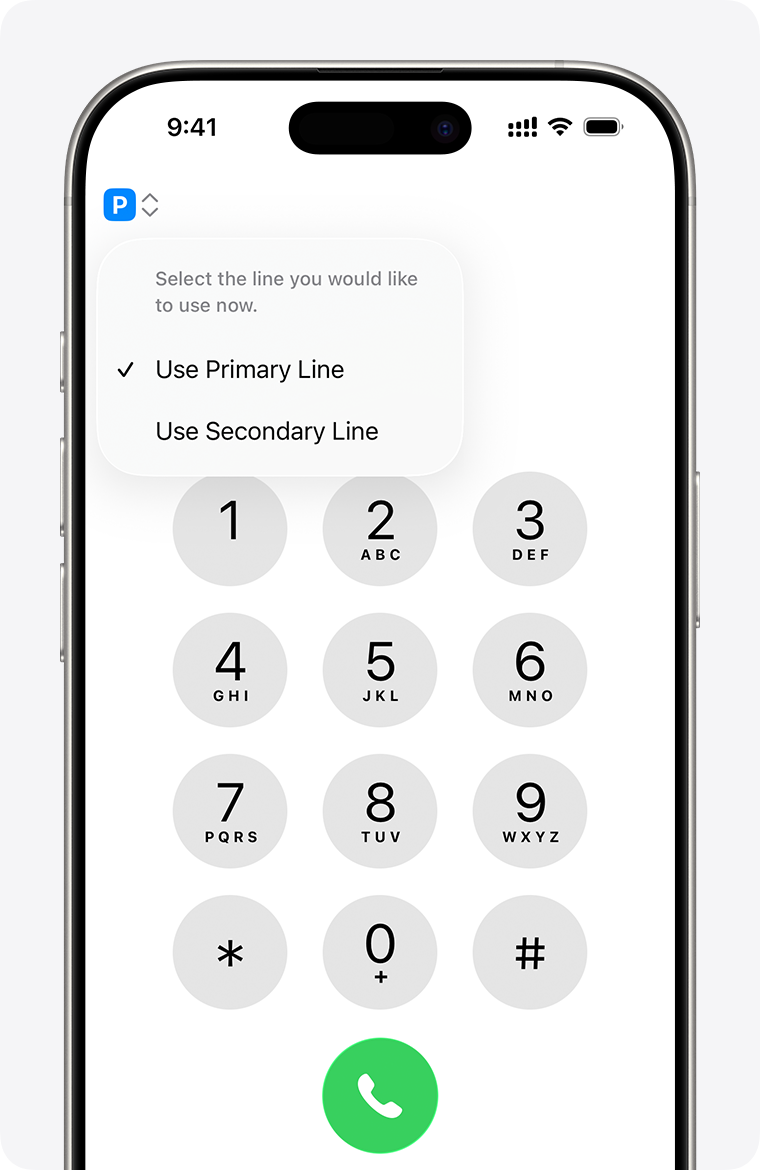
To switch numbers right before dialling:
- Enter the number on the keypad
- Tap the phone number shown near the top of the screen
- Tap the number you want to use
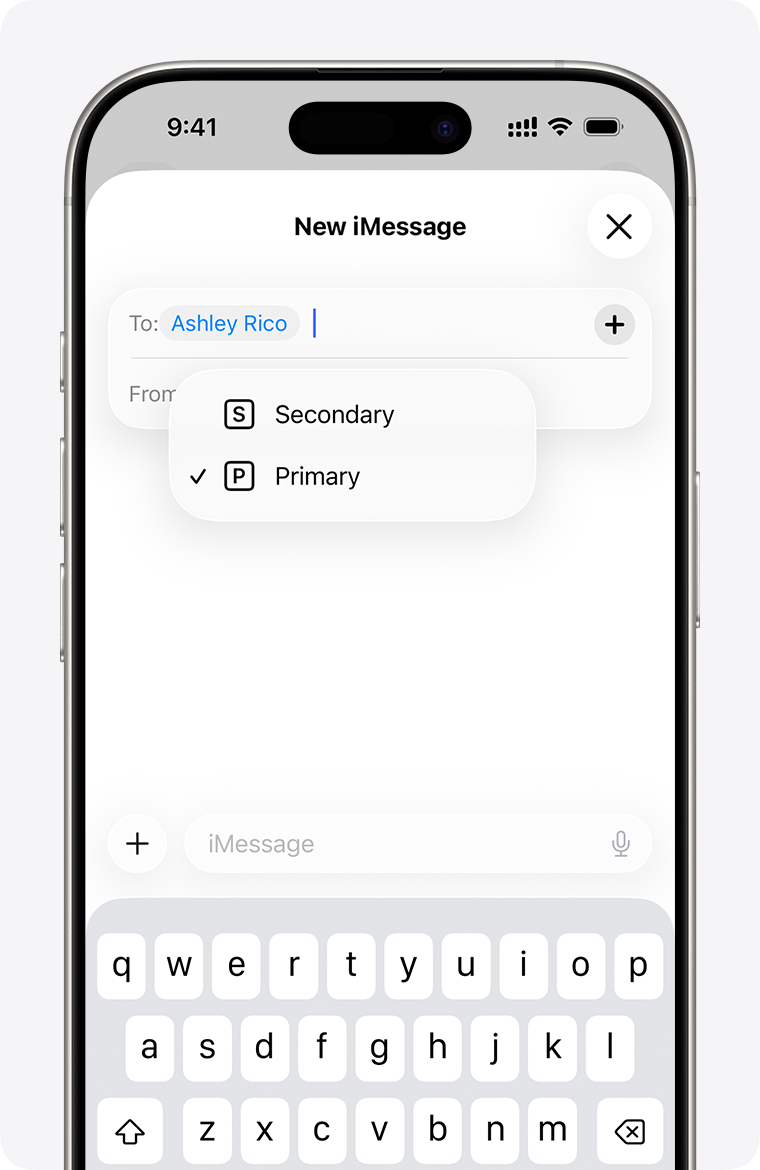
Messages (iMessage / SMS / MMS / RCS):
- Open Messages
- Tap New
- Enter the contact's name
- Tap the current phone number shown
- Tap the number you want to send from
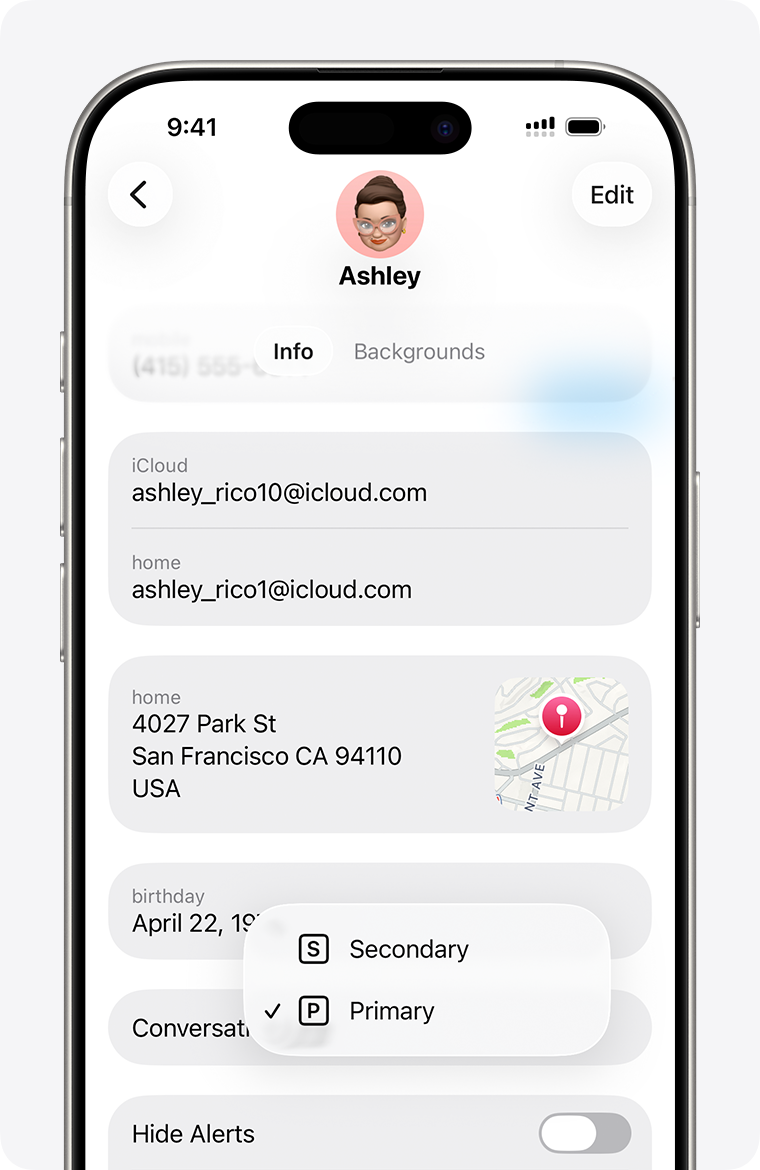
To switch numbers mid-conversation:
- Tap the number shown near the top of the conversation
- Choose the number you want to use instead
Note: only one number can be on a call at a time. If your carrier supports Wi-Fi Calling, you can still receive calls on your other number while on a call.
Related Article: How do I set up Dual SIM with an eSIM on my iPhone?
